

Secure portfolio sharing means showing verified work samples with the least exposure possible. Before you send anything, verify who is asking, then share only minimal, view-only evidence through expiring or password-protected links. This approach follows FTC job-scam guidance and NIST identity principles, and it is how we at Alloquy advise professionals to work.
TL;DR:
- For early conversations, send two or three annotated excerpts with your role, dates, and contribution; reserve full evidence for authenticated access later.
- Verify recruiters through the employer’s official careers page; personal email, pressure, payment requests, and early demands for sensitive data are warning signs.
- Set links to view only, disable downloads for sensitive files, add passwords or expiration dates, and revoke access when hiring ends or goes quiet.
- Audit exact audiences and inherited folder permissions, remove unknown viewers, and test links in a private browser window to catch unintended public access.
Table of Contents
- What should you check before sending a portfolio link?
- How do link types and share formats differ?
- How do you control access and audit it over time?
- How can you spot a fake recruiter before sharing anything?
- How do you keep cloud-hosted evidence under control?
- What identity and privacy controls should you expect?
- What do recruiters actually need from your evidence?
- Why we treat visibility and privacy as one problem
- How Alloquy helps you share verified work with less risk
- FAQ
- Sources
What should you check before sending a portfolio link?
Run through these steps in a few minutes. Each one removes a common source of exposure.
- Limit what you share to the minimum evidence a recruiter needs to judge your fit. This is the principle of least privilege applied to your career.
- Choose view-only or comment-only links, and add a password or expiration date wherever the platform supports it.
- Remove personal identifiers such as Social Security numbers and bank details, and strip hidden metadata like author names, edit history and device details from files.
- Confirm the recruiter’s identity through the company’s official website or main phone line, not through the contact details in the message that reached you.
- Write down who received access and when, then set a calendar reminder to audit and revoke it.
The FTC is direct on the privacy point: avoid sharing Social Security numbers or banking details during a job search, and stay careful about what you post online. A resume that lists a home address and date of birth gives an impersonator more than a hiring manager ever needs.
Pro Tip: Keep a “recruiter-safe” copy of each document with identifiers already removed, so you never have to redact in a hurry.

How do link types and share formats differ?
Not every link protects you equally, and the right choice depends on how far along the conversation is.
- View-only access lets people read but not change a file. Use it as your default.
- Comment access suits a reviewer who needs to leave notes on a draft case study.
- Editor access almost never belongs in a recruiter exchange, because it lets someone alter or reshare your evidence.
- Downloadable versus non-downloadable matters because a downloaded copy leaves your control permanently. Disable downloads for anything sensitive.
Expiring links and passwords matter most when a file might be forwarded. An expiring link limits the window for accidental exposure, and a password adds protection if the message is forwarded.
For early conversations, send a redacted excerpt, a screenshot or a shallow preview instead of the full document. Add provenance in plain terms: the project date, your role and a one-line description of your contribution. That tells a recruiter the work is real without handing over client names, financials or personal data. If a file truly must travel through another channel, PerPageFax compares fax and email security for regulated documents.
How do you control access and audit it over time?
Least privilege reduces risk because every extra person with access is another place a leak can start. Controls only work if you revisit them, so build a short routine:
- Set the minimum permission each recipient needs, usually view-only.
- Add a password or expiration date to the link.
- Record the recipient, the date and the documents shared.
- Set a reminder to audit access regularly.
- Revoke access once the hiring process ends or goes quiet.
When you audit, read the full access list and look for anyone you do not recognize, links set to “anyone with the link,” and files shared longer than planned. Any of those means a permission needs to change today.
Pro Tip: Create one shared folder per recruiter or application. Revoking access then takes one click instead of a hunt through dozens of files.
How can you spot a fake recruiter before sharing anything?
Scammers impersonate real companies and real recruiters, and a convincing portfolio request can be the first step toward identity theft. Watch for these red flags:
- An unsolicited offer that arrives before any interview or conversation
- Any request for payment, equipment fees or “processing” costs
- Requests for your Social Security number or bank details early on
- A personal email address from someone claiming to represent a large company
- Pressure to act fast or keep the opportunity secret
The FTC warns that scammers on LinkedIn and other job sites impersonate recruiters and ask for money or personal information, often from personal email addresses.
To verify, find the job on the company’s official careers page, contact the company through its published channels, and ask for a corporate email address and a phone confirmation. The FTC’s business guidance also advises never sharing Social Security or bank details until the recruiter’s identity is independently verified. If something still feels wrong, decline to send sensitive data and report the contact to the platform and the FTC.
How do you keep cloud-hosted evidence under control?
Linked documents are only as private as the folder they live in. Before you share a Google Drive file or a similar cloud link, work through this list:
- Open the share dialog and confirm the exact audience, not just the link type.
- Remove any editors who no longer need access.
- Avoid placing evidence in shared folders with broad membership, since permissions flow down to every file inside.
- Open the link in an incognito window to see exactly what a stranger sees.
- Use neutral file names and clean metadata, and keep one current version instead of scattered drafts.
Misconfigurations happen even on mature platforms. A recent NVD advisory for a Nextcloud server bug described unintended public links created for external members, which shows why manual audits matter even when you trust the tool. Our guides on the Google Drive resume link checklist and on showing work without exposing private details go deeper on each step.
What identity and privacy controls should you expect?
NIST’s Digital Identity Guidelines cover identity proofing, authenticators and federation, and they recommend minimizing the attributes transmitted. You do not need to read the whole document to use the ideas.
- Prefer recruiters who write from a corporate email address or sign in through a company single sign-on system.
- Ask for a short authenticated video interview before you share deeper evidence.
- Send derived attributes where you can, such as your years of experience instead of a birth date.
- Ask who will see your materials and why. NIST’s privacy guidance stresses transparency about who has access to data and for what purpose.
Data minimization is the habit that ties these together: if a recruiter cannot explain why they need something, they probably do not need it.
What do recruiters actually need from your evidence?
Recruiters want to confirm fit quickly, so concise material beats a full archive. Aim for these:
- Two or three short, annotated excerpts or example pages with context and measurable outcomes
- A brief provenance note for each item: your role, the dates and your specific contribution
- Full evidence gated behind authenticated access, shared only after the conversation moves forward
- A live walkthrough offer when the work is too sensitive to send as a file
Our guide to recruiter-approved projects shows which samples tend to earn attention.
Why we treat visibility and privacy as one problem
We believe a portfolio should be easy for a recruiter to check and hard for anyone else to misuse. Evidence with clear provenance builds trust faster than polished claims, and careful privacy habits keep that trust from costing you anything. Alloquy exists so recruiters can query verified work directly while you keep control of what sits behind it.
— Alloquy Team
How Alloquy helps you share verified work with less risk
Our platform lets you link your Google Drive evidence and publish an interactive public profile, where a custom AI assistant answers recruiter questions from your actual documents. Recruiters get grounded answers, and you decide which evidence appears. That fits the habits above: minimal exposure and clear provenance.
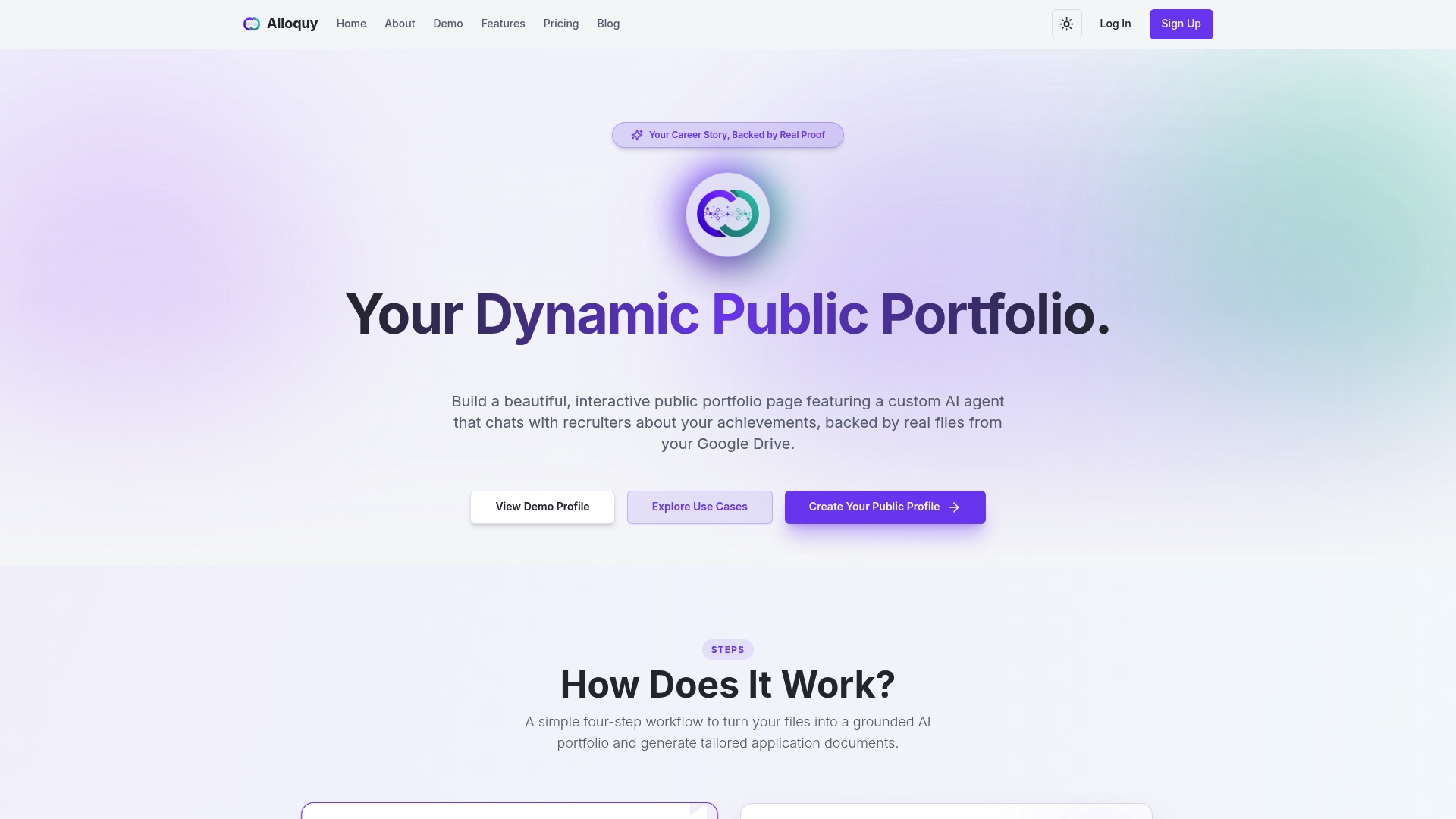
Start with a free profile, or see Alloquy for an overview of how it works.
FAQ
What is the safest way to share a portfolio with a recruiter?
Verify the recruiter first, then share view-only, non-downloadable evidence through a link with a password or expiration date. Send only what the hiring decision needs, and revoke access when the process ends.
Should I ever send my Social Security number with a portfolio?
No. The FTC advises job seekers to avoid sharing Social Security numbers or banking details during a job search. A legitimate employer asks for them only at a late, verified stage, such as a formal background check.
How do I know a recruiter is real?
Find the job on the employer’s official careers site and contact the company through its published phone or email. A real recruiter can confirm details from a corporate address, while scammers often use personal email accounts.
How often should I audit who can see my files?
Review access regularly while you are actively applying, and again whenever a process ends. Check for unknown viewers and for links open to anyone.
Sources
- Scammers impersonate well-known companies, recruit for fake jobs on LinkedIn and other job platforms | Consumer Advice
- Digital Identity Guidelines
- Taking the “ploy” out of employment scams | Federal Trade Commission